Wholesale Order Automation — From Phone Calls and Excel to a System That Runs Itself
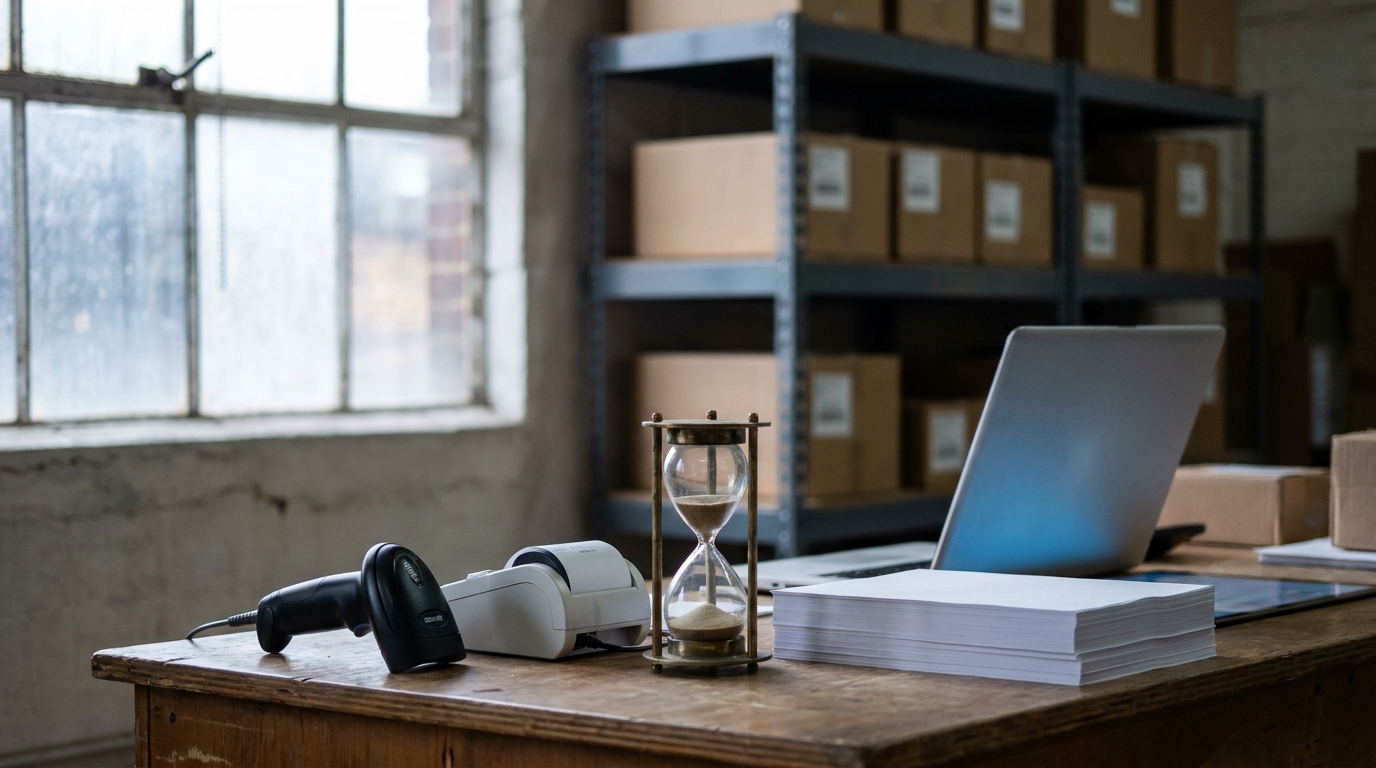
If you run a wholesale business in Poland, there's a decent chance your order intake looks like this: the phone rings, an email lands with "the usual, plus two boxes of the new one", someone opens the ERP, finds the client, finds the products, types the order in. Fifteen minutes gone. Multiply by forty orders a day and you have a full-time employee doing nothing but being a keyboard between your clients and your database.
I build order automation for wholesalers for a living, so let me lay out what actually works, what it costs, and — just as important — what to automate first.
Where the time actually goes
Before automating anything, it's worth naming the real cost. In the deployments I've done, a manual order touches three people:
- The client, who writes an email or waits on the phone.
- The sales rep, who translates "the usual" into product codes, checks stock, checks the client's price list, and types the document into the ERP.
- Whoever fixes the mistakes — wrong variant, outdated price, product that's been out of stock for a week.
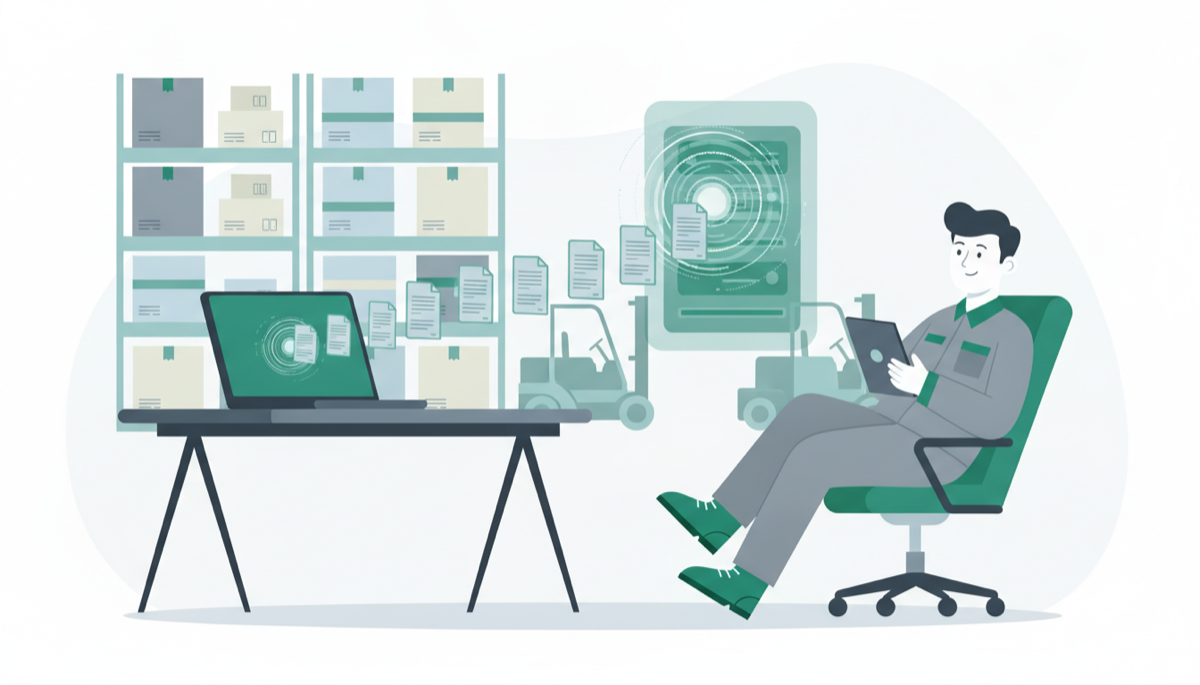
At a wholesale client of mine, handling one order took about 15 minutes end to end. After automation it takes 2 — and those 2 minutes are approval, not typing. That's not a rounding error; that's most of a workday returned to actual selling.
The three layers of order automation
There's no single "automation" to buy. There are three layers, and they stack.
Layer 1: a self-service B2B portal
This is the workhorse. A B2B portal is a website where your client logs in and sees three things they can't get from a PDF price list: live stock levels, their own negotiated prices, and their order history. They build the cart themselves and the order lands in your ERP as a document.
The reason this works isn't technology — it's incentives. Your client's purchasing person also hates phone tag. Give them a Friday-evening option to check stock and order for Tuesday, and they'll use it. In the alcohol-wholesale deployment I keep referring to, 70% of order volume moved to the portal within two weeks, with zero pressure on clients.
Layer 2: ERP integration that tells the truth
A portal is only as good as its data. If stock levels are yesterday's export, clients stop trusting it after the first "confirmed" order that turns out unavailable. That means a real integration with your ERP:
- enova365 — via the Soneta WebAPI module; I've written a full practitioner guide to that integration.
- Subiekt GT — via the Sfera SDK, or file synchronisation on older installations.
- Comarch Optima — via its API module.
The integration is where prices, stock, clients and order documents flow both ways. Done properly it takes 3–5 development days. Calendar time is 2–3 weeks, and the gap is almost never the code — it's waiting for someone to open network access to the ERP server.
One rule I never break: the portal never calculates prices. Polish wholesale pricing — price groups, per-client discounts, quantity thresholds, promotions — lives in the ERP, and the moment your portal shows one number while the invoice says another, you have a trust problem. The portal asks; the ERP answers.
Layer 3: AI for the channels that won't die
Some clients will never log in anywhere. They'll keep sending emails like "dzień dobry, poproszę to co zwykle i jeszcze 3 kartony tego nowego cydru". You don't fight this — you automate behind it.
A language-model layer can read that email (or the attached PDF), figure out that "to co zwykle" means the client's standing basket, match "nowy cydr" to an actual SKU, and create a draft order in the ERP with a confidence score. A human glances at it and clicks approve. The channel your client loves stays; the retyping goes.
This layer only makes sense after layers 1 and 2 exist, because it needs the same ERP integration to write documents and the same product data to match against.
What it costs, honestly
Numbers I'm comfortable defending, because they come from real projects:
- B2B portal with full ERP integration: from €5,500 as a fixed-price project, plus roughly €60/month hosting and maintenance. I've broken down the full cost comparison against SaaS platforms and agencies here — over 3 years the differences get dramatic.
- The ERP integration alone (if you already have a shop or portal): a module-sized project, days not months.
- AI order parsing: an add-on to an existing portal/integration, not a standalone product. Scope it after you know what share of orders still arrives by email.
Watch out for per-order pricing in SaaS platforms. A fee per order looks small at 200 orders a month and becomes a tax on your growth at 2,000.
What to automate first
If you're starting from phone-and-Excel, this order of operations has never failed me:
- Portal + ERP integration first. It removes the largest share of manual work and produces the infrastructure everything else plugs into. See what the finished thing looks like on my wholesale portal page.
- Move your top 20 clients onto it personally. Call them, walk them through the first order. These 20 typically cover most of your volume.
- Only then add AI parsing for the email holdouts, measured against how much email volume actually remains.
- Skip anything that requires your clients to install software. Adoption dies there.
The part nobody tells you
The hard part of order automation isn't software — it's the two weeks of habit change. Your sales reps will quietly keep taking phone orders "because it's faster for the client". Your clients will test whether the portal's stock numbers are real. Both problems solve themselves the first time a client places a Friday 21:00 order and it ships Tuesday without a single phone call.
The technology, frankly, is the easy 3–5 days.
Want to know what this would cost for your wholesale business specifically? I publish fixed prices — no "contact us for a quote" games. See the pricing page.
Order intake is one flow — the same approach works for bookkeeping. See the accounting AI agents that pull invoices from KSeF and reconcile bank statements while a human keeps the final say.
Let’s talk about your project
Free 30-minute consultation. We’ll figure out if and how I can help.